

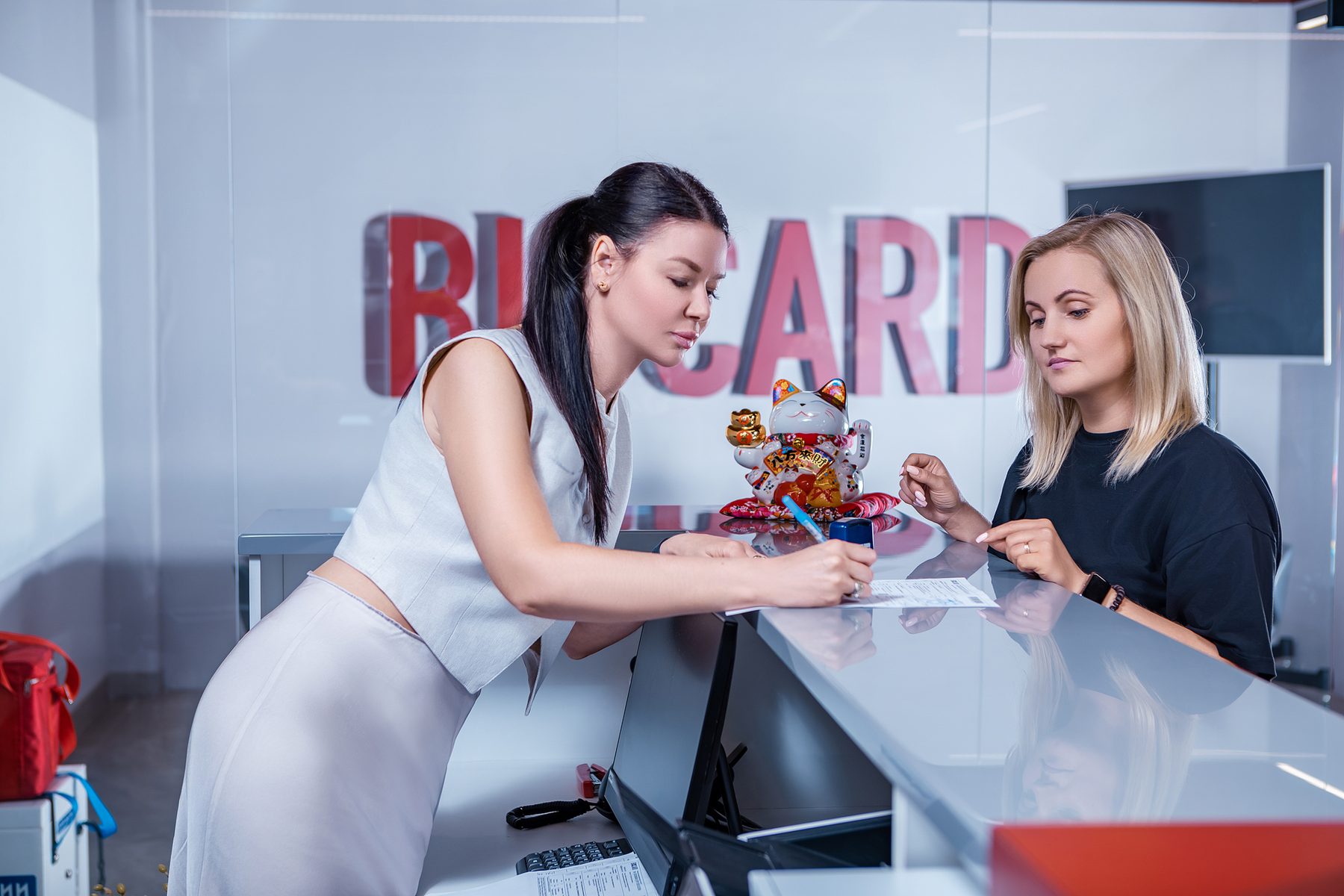
Client account and shipment tracking
Delivery orders, shipment stages, documents and attached temperature reports are brought together in your account, available from a computer or phone.
How to get access
Under the public offer, account access follows electronic signing of the application for accession. The email address in acceptance receives a registration link. Delivery orders are submitted after signing. For an agreed contract, your manager coordinates access.
Open my.biocard.com. If you have forgotten your password, use password recovery on the login page. If the invitation or recovery email is missing, contact the manager and identify your company. Do not send passwords in a support message.
What you can do in the account
- Create delivery orders from a previous order or a template.
- Upload an Excel file for Tim to prepare draft order data, then review it before submission.
- Calculate delivery cost and transit time.
- Follow shipment stages and review the route, delivery windows and price.
- Download documents attached to the order.
- Review available temperature data and download the SafePack PDF after it is attached.
- For goods stored at BIOCARD, review warehouse receipts, dispatches, returns and stock balances, and create warehouse dispatch orders.
The account is available around the clock. Shipment stages are updated as the order progresses; a shipment status is different from a continuous live temperature feed.
Changing or cancelling an order
You can request a change or cancellation while the order is neither Delivered nor Cancelled. Pressing the button sends a request to your manager: it does not immediately change the order or status. The manager contacts you and confirms the outcome.
For an urgent change, contact the manager with the order number and explain what needs to change. Wait for confirmation before acting on a new destination, delivery time or cancellation.
Temperature data and the PDF report
SmartSensor records temperature every minute and stores the readings in the logger. A nearby phone with SafePack or a hub reads them over Bluetooth without opening the container. BIOCARD does not currently provide continuous transmission throughout the journey.
The complete SafePack PDF is prepared after transport. In the account it appears in the shipment card, in the Files tab, when it has been attached. If it is missing, send the shipment number to the manager. The temperature report guide explains the charts, recording period and thresholds.
BIOCARD Mobile and SafePack
BIOCARD Mobile is available for Android in Russian and English. It shows the state of transport, warehouse operations, customs clearance, regulatory support and procurement, and provides supporting documents. Push notifications for shipment milestones can be configured.
The client account and SafePack app have different roles: the account follows orders; SafePack reads the logger and produces its report. For sensor reading, see the SafePack app guide.
Integration with your own systems
API integration can bring delivery statuses, available temperature data and event information into a CRM, ERP or other internal system. Ask BIOCARD for API access and technical documentation. Agree the scope and permissions with the technical team.
Temperature data becomes available after a compatible receiver reads the logger. API integration does not turn Bluetooth equipment into a continuous live tracking service.