

Temperature report: where to find it and how to read it
SmartSensor records temperature every minute. The SafePack PDF brings the recorded conditions together for review by your quality team.
Where to download the report
- Open the BIOCARD client account at my.biocard.com.
- Open the shipment's order card and choose the Files tab.
- Download the SafePack PDF after it has been attached to the order.
The full-route report is prepared after transport. If it is missing, send the shipment number to your manager. An absent file is a reason to request it; it does not by itself establish whether the required temperature was maintained.
How the record is collected
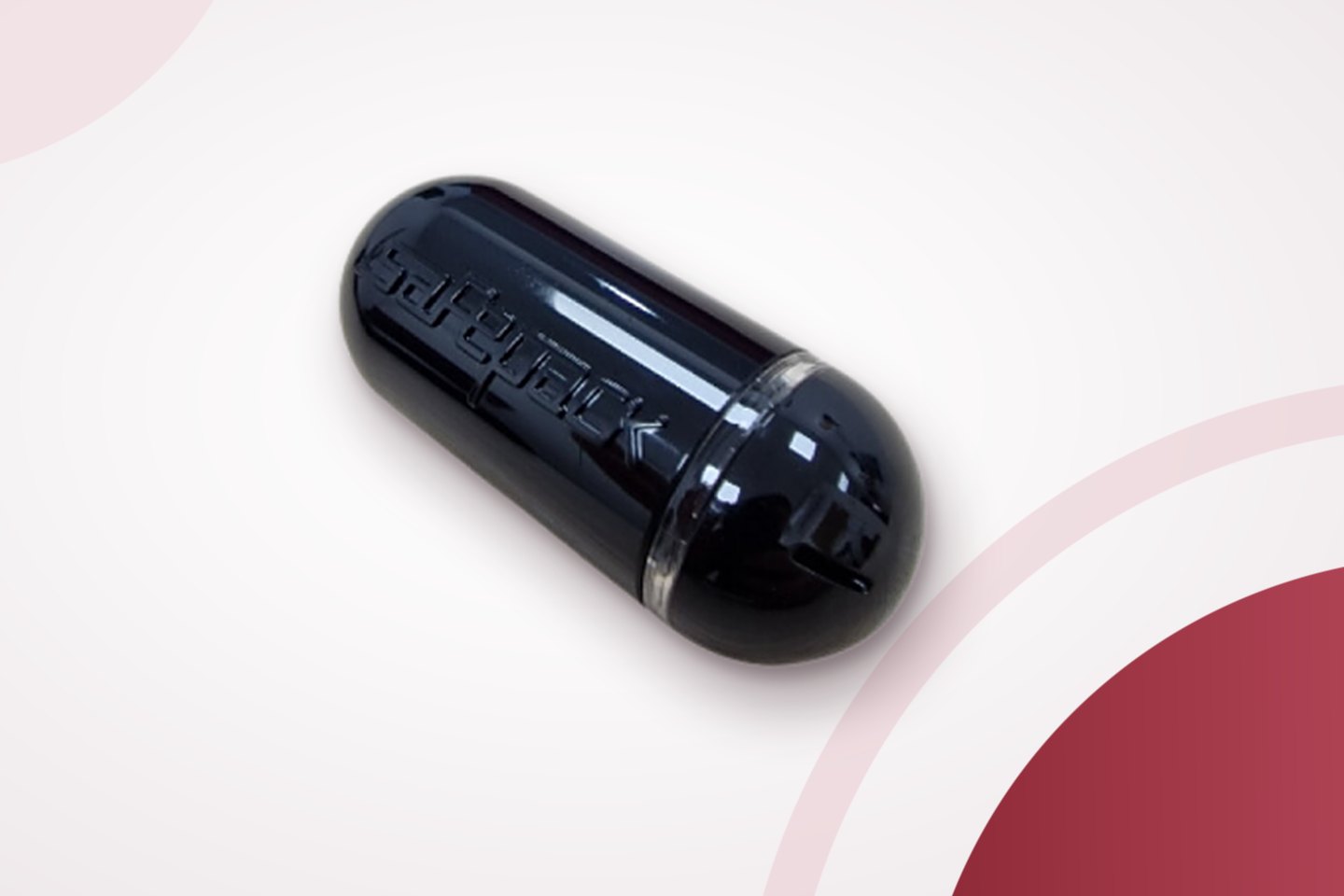
SmartSensor is an active Bluetooth logger. It has no buttons or display and records temperature every minute automatically. Readings are stored in the device.
A nearby phone with the SafePack app or a hub in a vehicle or warehouse reads the logger by serial number, without opening the container. Reading can take place along the route when a receiver is nearby, but there is no continuous transmission throughout the journey.
See SmartSensor specifications and SafePack app instructions.
What to check first
Logger identity and period
Check the model and serial number, first and last measurement times and measurement count. Confirm that the period covers the shipment you need to assess.
Required range and thresholds
Compare the report thresholds with the agreed cargo requirements. A status such as OK or ALARM depends on the configured thresholds; verify the range before interpreting it.
Minimum, maximum and average
An acceptable average alone does not exclude a short deviation. Check the minimum, maximum and their timestamps.
Charts and threshold breaches
The temperature chart shows changes over time. Breach records identify when, how far and how long temperature exceeded the limits. Humidity describes conditions around the logger inside the packaging.
The report also gives the recording interval and reading count. At one measurement a minute, a complete hour has 60 measurements. Light and shock events can appear when present in the logger data. A longer display interval shortens the PDF without changing the fixed one-minute recording interval.
If you find a deviation
Send the shipment number, report and a description of your concern to your manager. The quality department investigates against the temperature record and other shipment evidence.
The cargo owner decides whether the product may be used, returned or otherwise handled. The logger alone cannot establish fitness for use. Follow your organisation's quality procedure and the agreed shipment conditions.
Read the claims guide for documents and notification deadlines, and how we handle deviations.
Using the PDF for quality records
Download the PDF and attach it to your shipment or quality records, or provide it for an audit or tender. A separate certified report is not a standard BIOCARD reporting document. Discuss a recipient's specific document requirement with your manager before shipping.